Appearance
Transfer stock between shops
A transfer takes goods out of one shop and adds them to another, in one step, when it's validated. Use it for the regular restock of your stores from the warehouse, or to balance stock between shops.
Who can do this: Anyone whose role can create stock moves, such as Warehouse staff.
Step by step
Go to Inventory › Transfers and click New.
Choose the From shop the goods leave, and the To shop they go to.
Check the Date, and type a Note, for example "Weekly transfer to Toul Kork".
In Lines, choose each Variant, its Unit and the Quantity. Click Add line for more products.
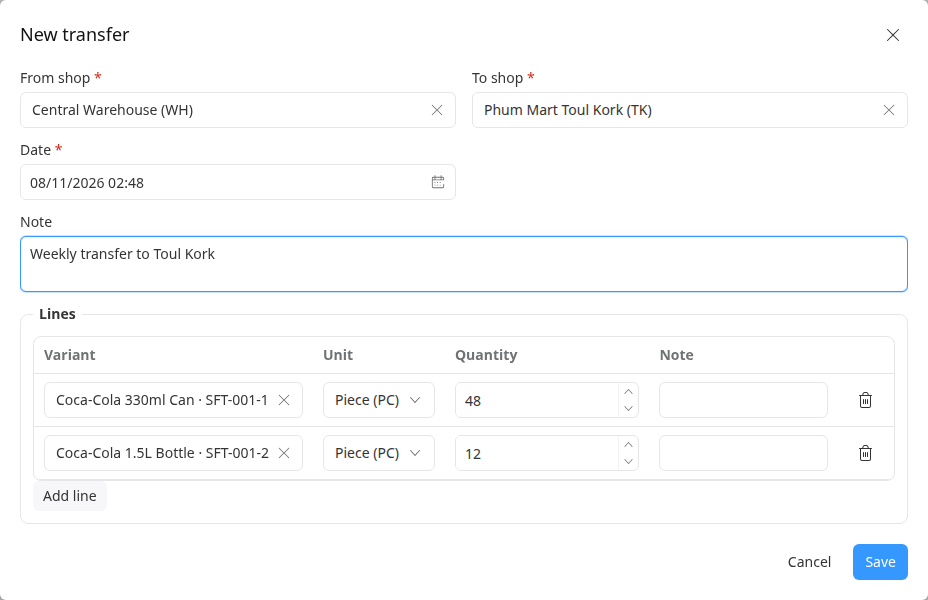
Click Save. The transfer opens as a Draft.
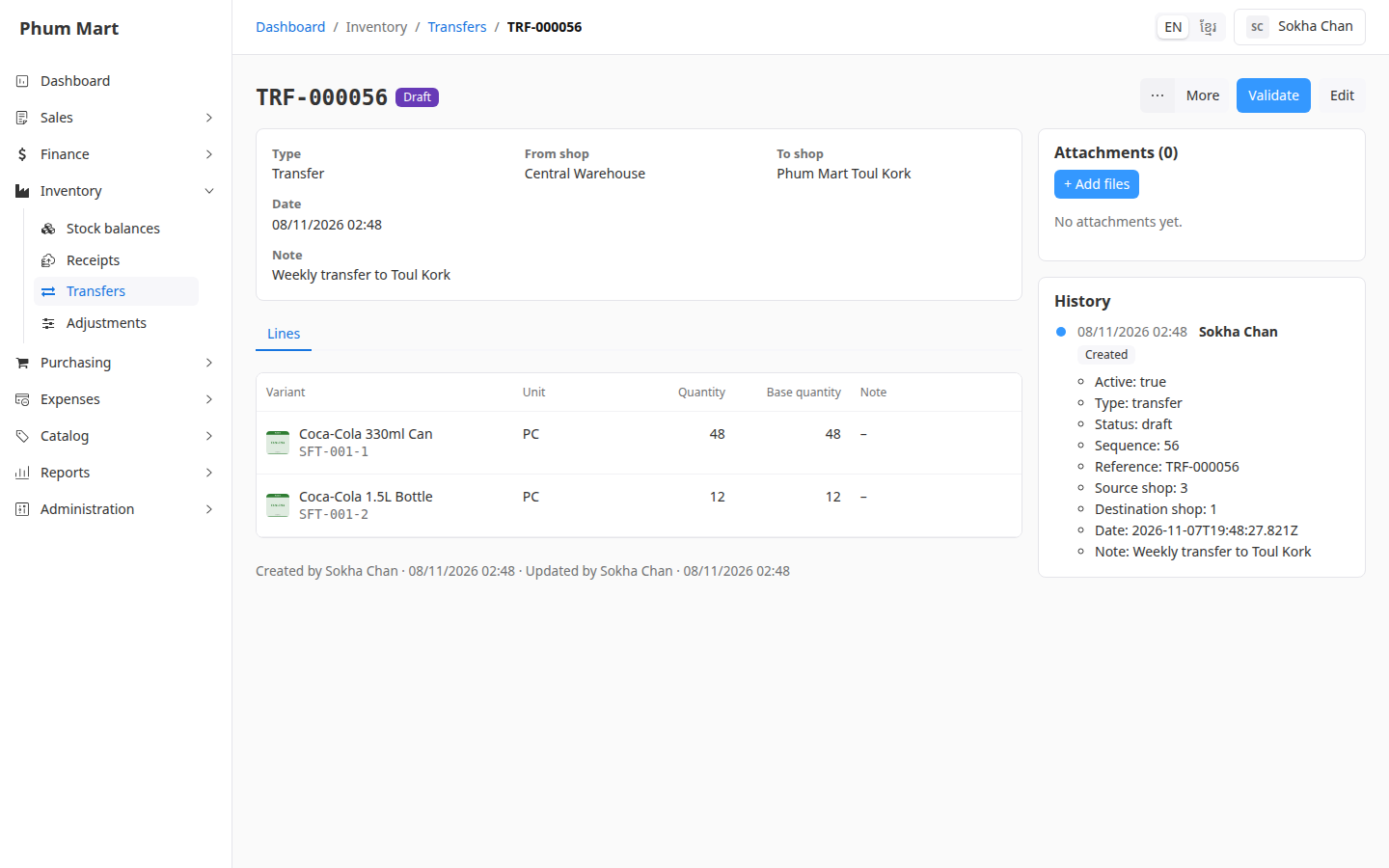
When the goods have left, click Validate. See Validate or cancel a stock move.
Having trouble?
- "Choose two different shops.": the From and To shops are the same.
- A message lists items that are short of stock when you validate: the From shop doesn't have enough available. Goods reserved for orders can't be transferred. Lower the quantities, or receive more first.