Appearance
Edit an unpaid invoice
An invoice copies its order's lines and amounts, and those never change. While an invoice is Unpaid, you can change only two things:
- The Due date: the day the customer must pay by. It's used to find late invoices.
- The Note: shown on the printed invoice, for example how to pay.
Who can do this: Anyone whose role can edit invoices, such as Accountants.
Step by step
Open the invoice, for example from Finance › Invoices.
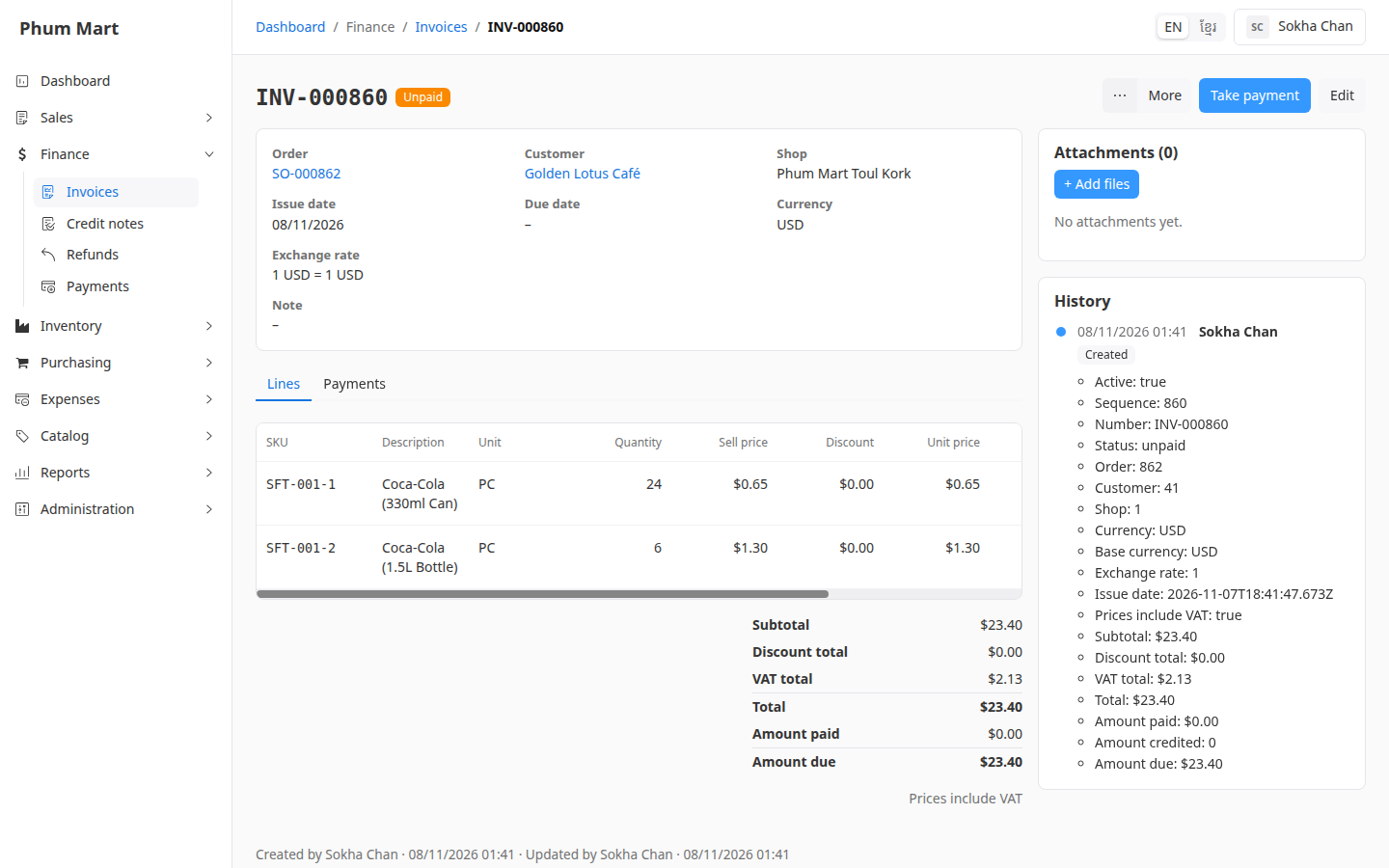
Click Edit.
Choose the Due date, and type a Note if needed.
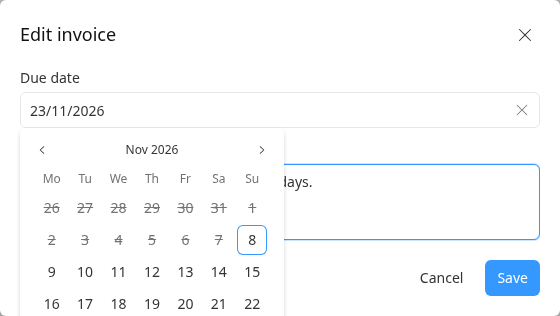
Click Save. The summary shows the new due date and note.
Having trouble?
- There's no Edit button: the invoice is partly or fully paid, credited or void. It can't be edited any more.
- A line or an amount is wrong: the invoice can't be changed, and a new invoice for the same order would copy the same lines. Void it, cancel the order, and make a new order with the right lines. If goods came back, record a return instead.