Appearance
Check and post an expense
Posting makes an expense count in totals, the dashboard and the Profit & loss report. The exchange rate is fixed when it's posted. After posting, only its Reference and Note can change.
Who can do this: Anyone whose role can edit expenses, such as an Accountant.
Step by step
Go to Expenses › Expenses and set Status to Draft to see what's waiting.
Open an expense. Check the amount, category and shop against the receipt in Attachments. Click Edit to fix anything.
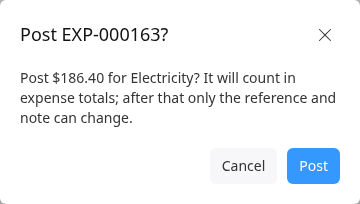
Click Post. The message shows the amount and category.
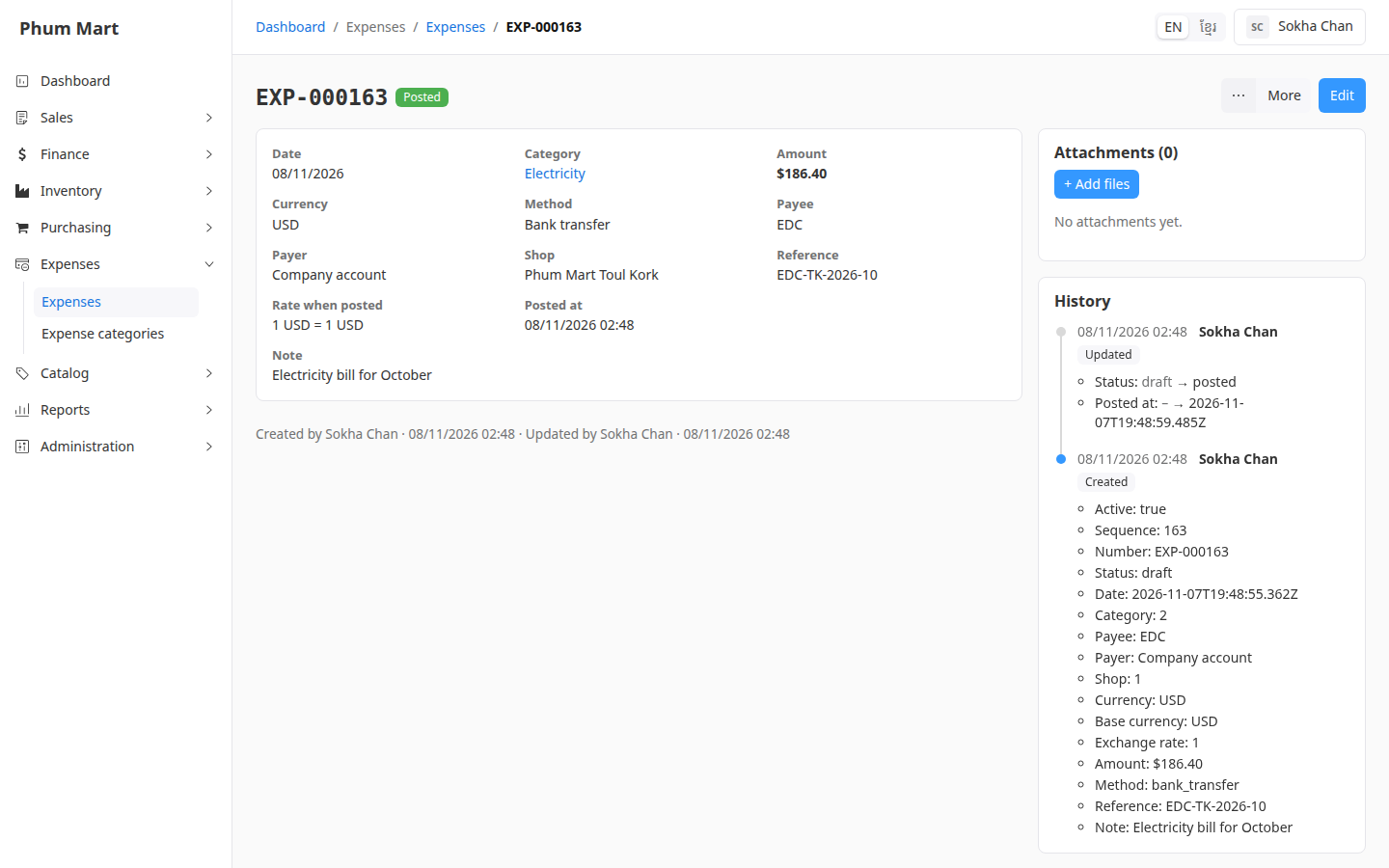
Click Post. The status is Posted, with Posted at and Rate when posted in the summary.
Having trouble?
- You need to change the amount of a posted expense: void it with a reason, and record it again. See Void or cancel an expense.
- There's no Post button: the expense is already posted, cancelled or void.