Appearance
Sales by employee
Each sale has two people:
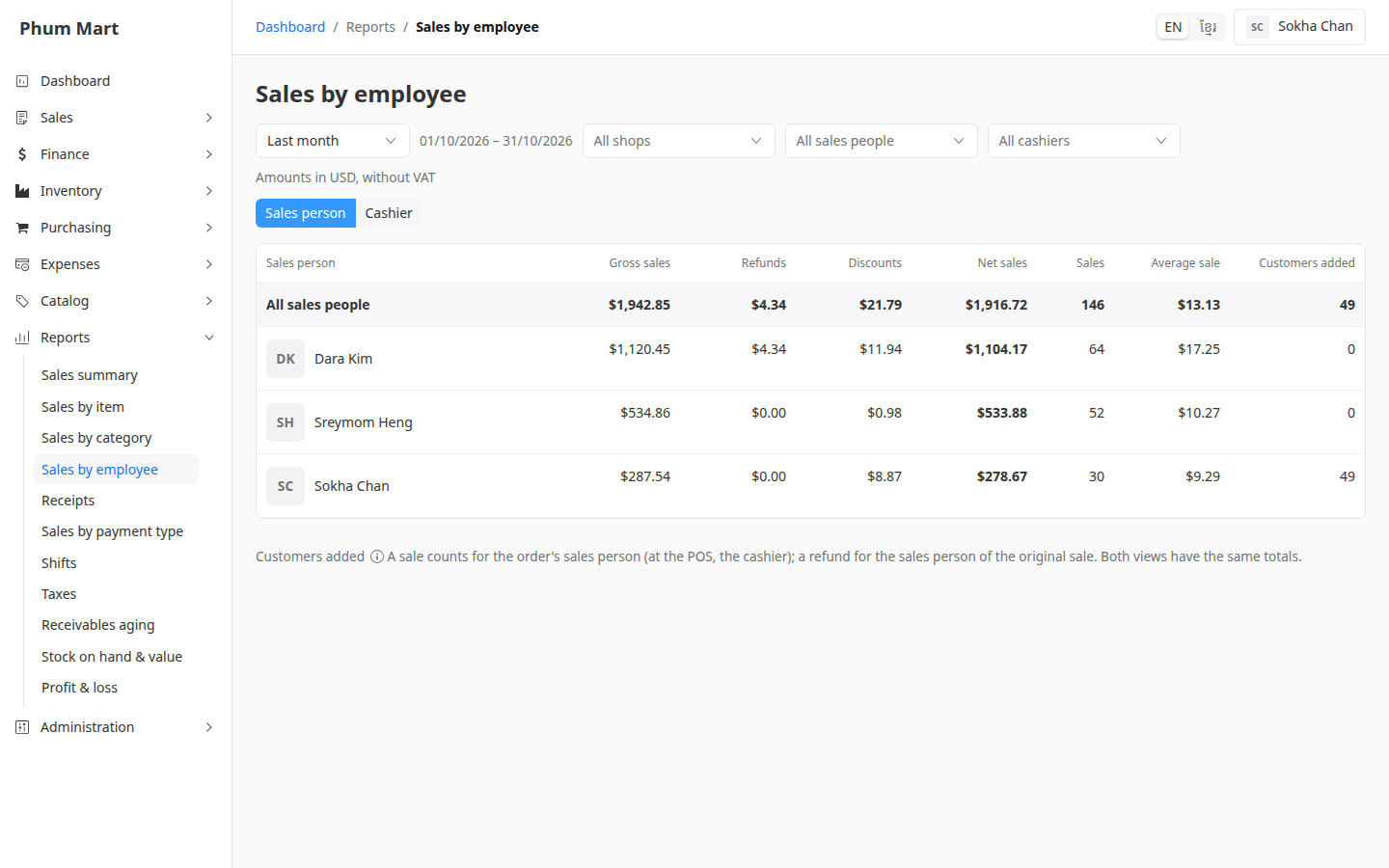
- The sales person: the person credited with the sale, chosen on the order. At the POS, it's the cashier. A return counts against the sales person of the original sale.
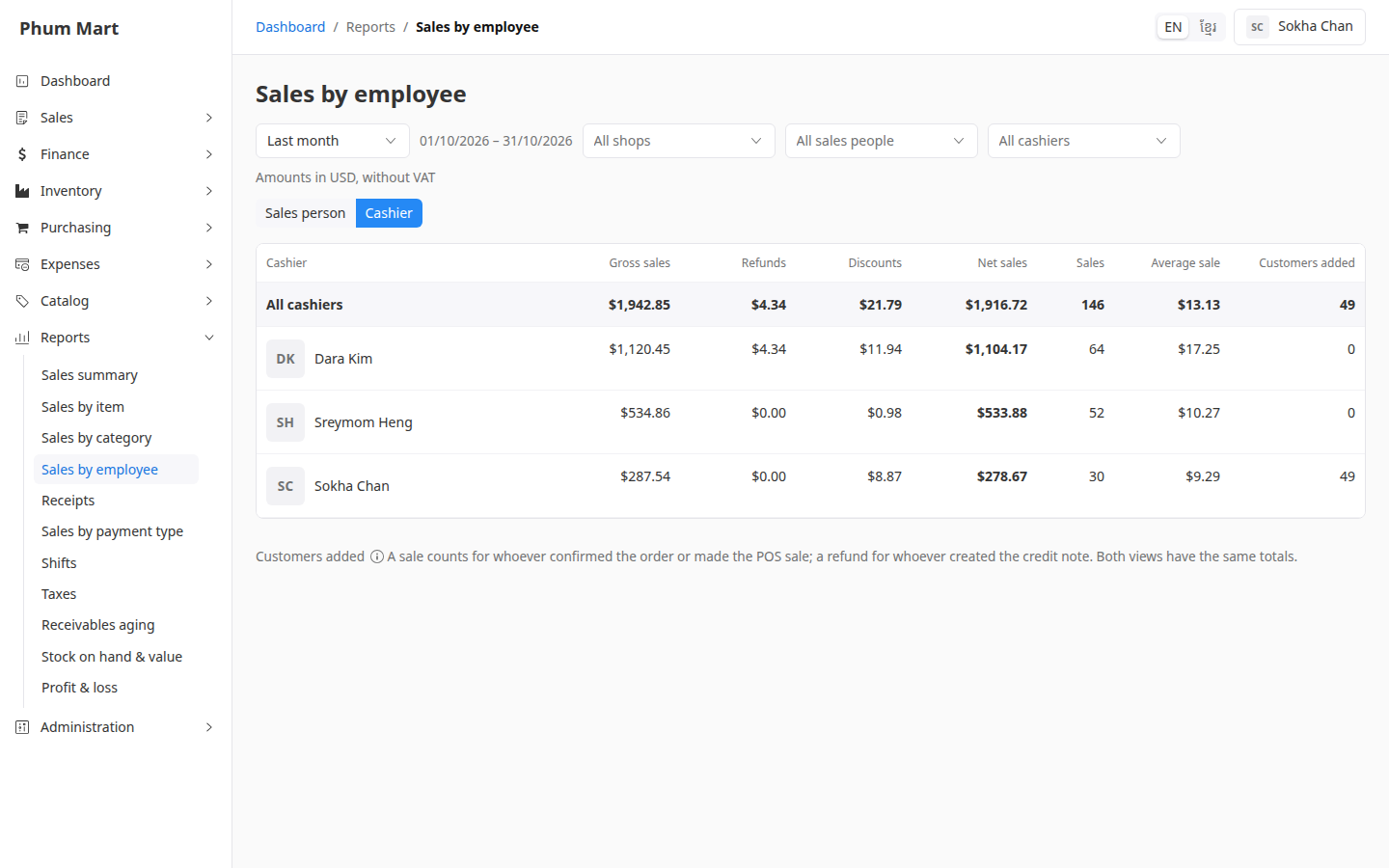
- The cashier: the person who confirmed the order, or handled the return.
Both views have the same totals. They just split the same sales differently.
Who can do this: Anyone whose role has the Sales reports permission.
Step by step
Go to Reports › Sales by employee, and choose the period and shop.
Sales person is chosen. Each row shows a person's sales, refunds, discounts, net sales, number of sales and average sale.
Click Cashier to see who confirmed the sales instead.
Click a person to open their user page.
Customers added counts the customers each person created in the period, whatever the shop.
Having trouble?
- "No user": sales by people whose account was deleted, or old sales recorded before the app kept track. If most sales show here, ask your administrator to have the sales figures rebuilt.
- Someone's sales went down after a return: a return counts against the sales person of the original sale.
Related
- Create a sales order: choosing the sales person
- Receipts