Appearance
Set up expense categories
Every expense has a category. Categories are used to find expenses and in the Profit & loss report, which shows what you spent on each. Common categories are set up for you. Add your own for anything they don't cover.
Who can do this: Anyone whose role can create expense categories, such as an Accountant.
Step by step
Go to Expenses › Expense categories.
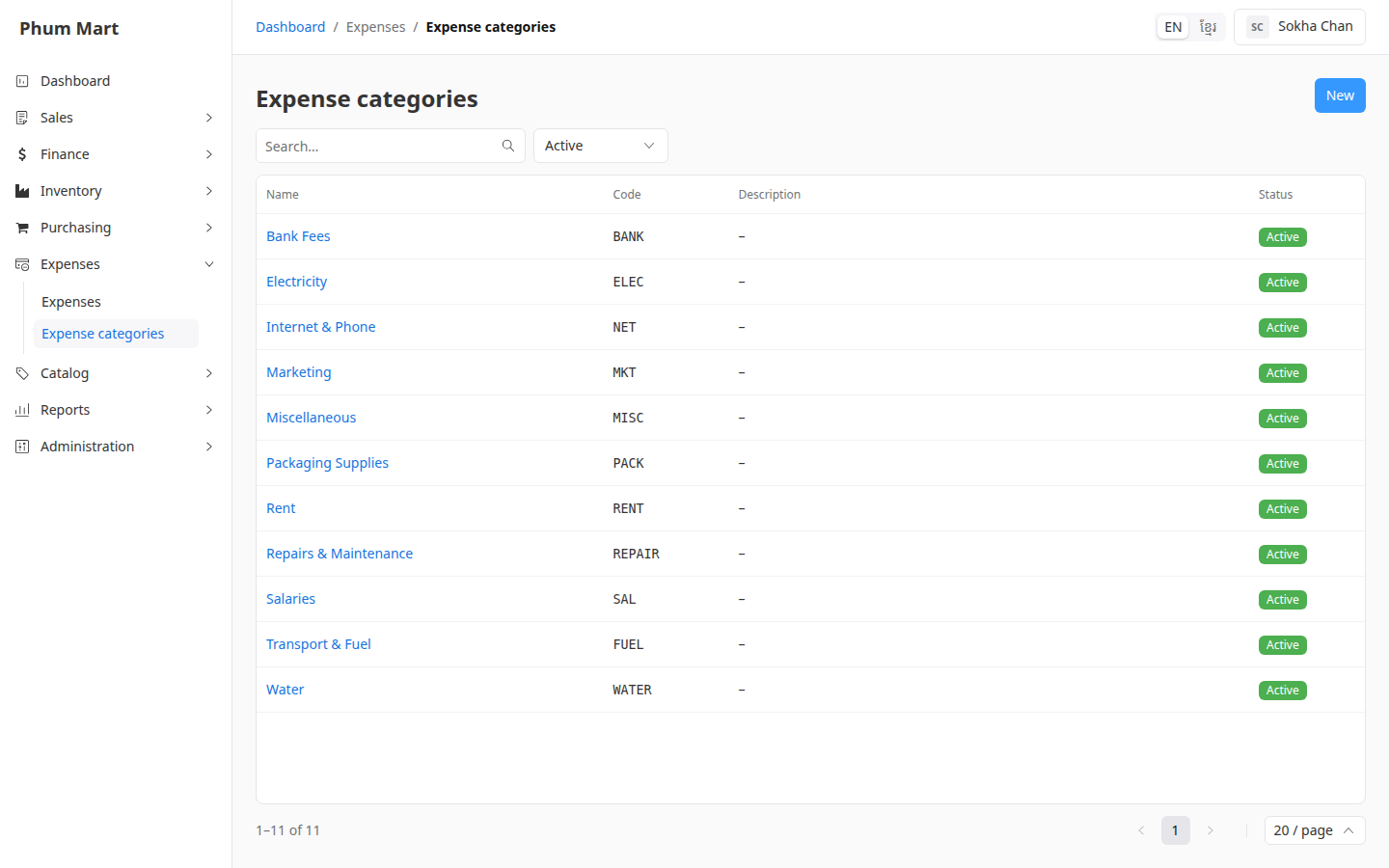
Click New.
Enter the Name, a short Code and a Description if you want.
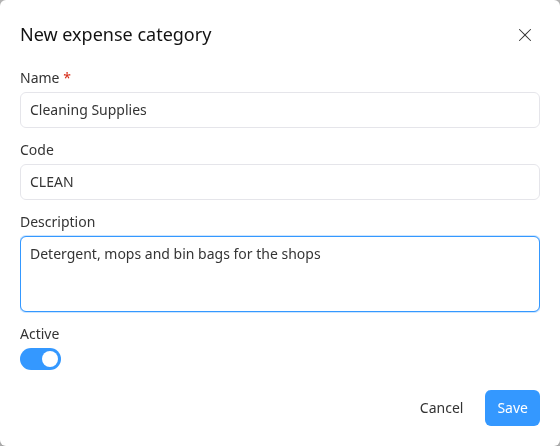
Click Save.
Click a category to see its Expenses tab. Edit changes it, More › Deactivate stops offering it on new expenses, and More › Delete removes a category no expense uses.
Having trouble?
- A category isn't offered on a new expense: it's inactive. Activate it with More › Activate.
- A message says the category is in use: expenses use it. Deactivate it instead.