Appearance
Cancel or delete a purchase
- Cancel keeps the purchase, marked Cancelled. You can cancel a draft or a confirmed purchase, as long as nothing has been received.
- Delete removes a draft or cancelled purchase completely, with its attachments.
Once goods have been received, a purchase can't be cancelled. Return the goods instead.
Who can do this: To cancel, anyone whose role can edit purchases. To delete, anyone whose role can delete purchases.
Step by step
Open the purchase and click More.
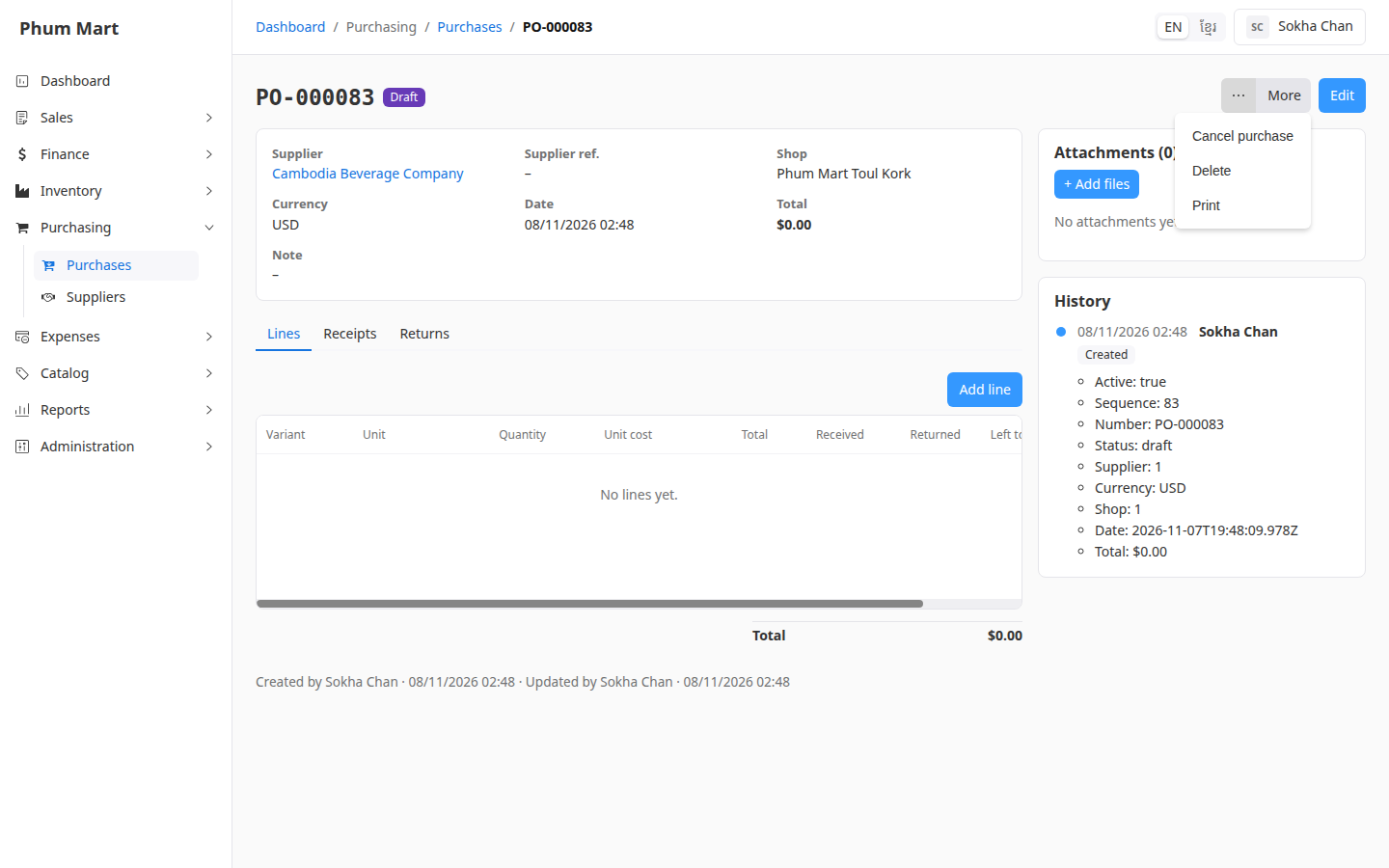
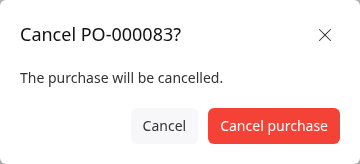
Click Cancel purchase, then Cancel purchase again to confirm.
To remove it completely, click More › Delete and confirm. If it has attachments, the message says they'll be deleted too.
Having trouble?
- Cancel purchase isn't in the More menu: some goods were received. Return them instead.
- Delete isn't in the More menu: the purchase is confirmed or received. Cancel it first, if nothing was received.